
A customer searching for a nearby service needs three answers quickly: can you help, are you open, and how can they contact you? Google Business Profile optimisation for Chennai businesses starts with making those answers accurate and easy to find.
This checklist is for eligible shops and service businesses in Chennai, Tambaram, Padappai and nearby areas. It explains what to check, what to record and how to maintain a useful profile. It complements the website work covered in our guide to the benefits of SEO for business.
What affects local visibility?
Google describes local results in terms of relevance, distance and prominence. Complete information helps Google understand your business, but a profile update cannot change the searcher’s location or guarantee a particular position. Google also says businesses cannot pay for better local organic rankings. See Google’s explanation of local ranking.
Use the checklist below to remove uncertainty for customers. Treat enquiries and suitable customers as the outcome; a screenshot of one search result is only a small part of the picture.
1. Confirm eligibility and ownership before editing
Check whether an existing profile already represents the business. Creating another listing because you cannot access the first can produce confusion. Request access through Google’s available ownership process and keep the primary ownership under a business-controlled account.
Profiles are intended for eligible businesses that receive customers in person or travel to customers. Use the name customers recognise from your real-world business. Do not add phrases such as “best SEO company Chennai” to a name merely to target keywords. Choose the most accurate primary category and only relevant additional categories. Google’s business representation guidelines explain these requirements.
Prepare first: your business name, working phone number, website address, customer-facing hours, location details and a list of actual services. Keep these in one shared reference document so future edits remain consistent.
2. Set the right address or service area
A storefront and a business that visits customers need different location information. If customers cannot visit your business address, use the appropriate service-area setup and hide that address. Enter areas you genuinely serve rather than a long list of places you hope to reach. Follow Google’s service-area instructions.
For example, a hypothetical home repair business based in Padappai might accept appointments in nearby neighbourhoods within its actual travel capacity. Listing all of Tamil Nadu would give customers the wrong expectation if the team cannot deliver there. Service-area entries should describe operations, not act as a promise of visibility everywhere.
3. Make hours, services and contact details useful
- Hours: check regular opening times and upcoming special closures. A phone line being available does not necessarily mean a shop is open for visitors.
- Phone: test the listed number from another device. Confirm that the person answering knows how to handle enquiries.
- Services: describe what customers can actually book. Use plain descriptions of the problem solved, what is included and any relevant limitations.
- Website: send visitors to a page that explains the business or location clearly and offers a working contact option.
For a salon, a useful service description distinguishes a haircut from a bridal consultation. For an installation business, it explains whether supply, installation and maintenance are separate. These details help customers decide whether to enquire.
4. Add genuine photos that answer practical questions

Build a small photo set around a customer’s first visit: the entrance from the street, recognisable signage, the reception or interior, the team where appropriate, and examples of actual products or work. Obtain permission before including identifiable customers.
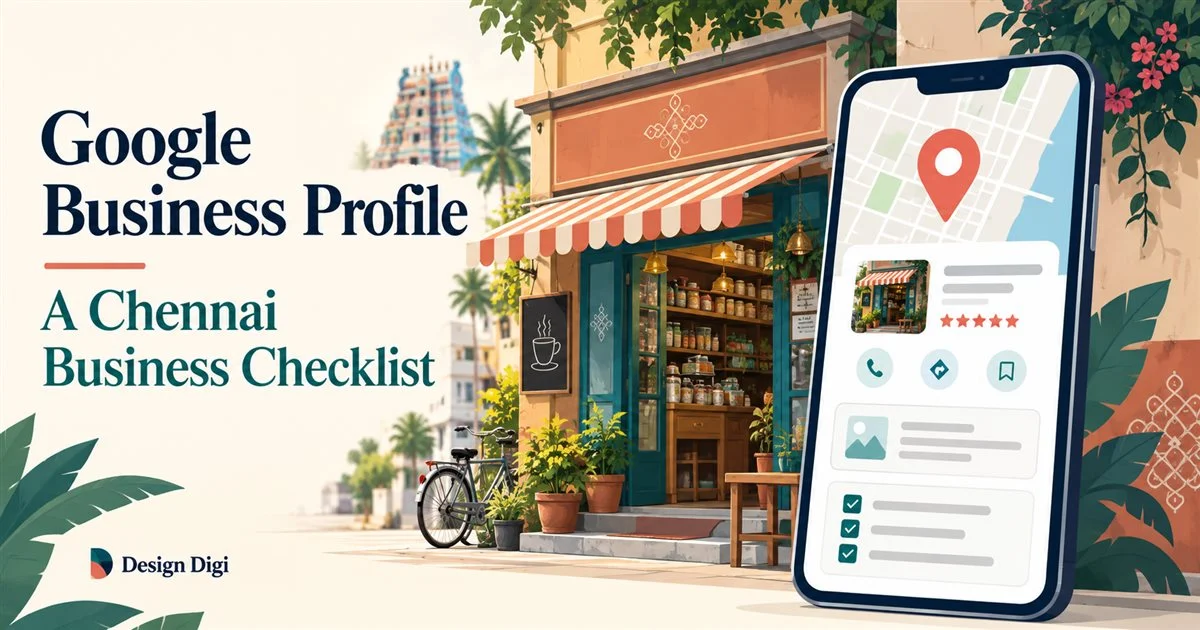
Keep the images current when the shopfront, layout or services change. An attractive but inaccurate image can make the business harder to find. The illustrations in this article explain the process; your own Business Profile should show genuine photos of your business.
Create a simple folder with filenames describing each view and the date it was taken. This makes it easier for staff to replace outdated material without losing useful images.
5. Build a consistent process for customer feedback
After a completed purchase or service, invite customers to share honest feedback. Use a neutral request: “Thank you for visiting. If you would like to share your experience, you can leave a review here.” Avoid writing the review for them or suggesting that only praise is welcome.
Respond with something relevant to the experience rather than repeating the same keyword-filled reply. For a complaint, acknowledge the concern and offer an appropriate private route to discuss details. Do not reveal order information or other personal details in a public response.

Assign one person to review new feedback and unanswered enquiries each week. Record recurring questions: these are useful inputs for your website’s service descriptions and future articles.
6. Make the profile and website agree
Compare the business name, phone, operating details and services across the profile, contact page and relevant service pages. Different information can leave a customer unsure which version to trust.
Your website should explain the work in more depth than the profile: who it is for, how the process works, what affects pricing and how to start. Our SEO services cover the wider website context. The local SEO guide for Kanchipuram also explores the relationship between local discovery and business growth.
Write location information because it helps the visitor. Explain real travel limits, appointment arrangements or directions. Avoid creating near-identical pages by swapping Chennai, Tambaram and Padappai into the same text.
A repeatable monthly Business Profile checklist
| Check | What to record | Next action |
|---|---|---|
| Business details | Name, category, phone, website and address or service area | Correct inaccuracies against the business reference document |
| Hours | Normal hours and upcoming holidays | Update changes before customers make plans |
| Photos | Missing or outdated views | Add genuine current photographs |
| Feedback | Unanswered reviews and recurring questions | Reply thoughtfully and improve service information |
| Enquiries | Available profile interactions and qualified enquiries | Investigate missed calls, broken links or poor fit |
Compare similar time periods and note changes such as holiday closures or a new service. A rise in interactions is useful only when you understand what happened next. Ask staff to record whether enquiries were relevant and whether an appointment or sale followed.
Frequently asked questions
Does a complete profile guarantee a top-three Maps position?
No. Completion helps provide accurate information, but local results depend on multiple factors, including distance. No responsible optimisation plan can promise every business a fixed position for every searcher.
Should I add every Chennai neighbourhood to my business name?
No. Use your real business name. Describe genuine service coverage in the appropriate fields and explain relevant local details on your website.
Is Google Business Profile enough without a website?
A profile can help people discover and contact an eligible business. A website gives you more space to explain services, answer questions and provide useful next steps. They work together. Our article on why small businesses need a website explains that role.
What should I fix first?
Start with access, eligibility and incorrect customer information. Then improve service descriptions, photos and the enquiry journey. Leave cosmetic changes until customers can reliably find and contact you.
Turn your profile into a clearer path to an enquiry
A useful Google Business Profile reflects how the business operates today. Keep it accurate, connect it to helpful website pages and review the quality of the enquiries it generates. For help reviewing your profile alongside your website, contact Design Digi with your profile link and the services you want customers to find.


